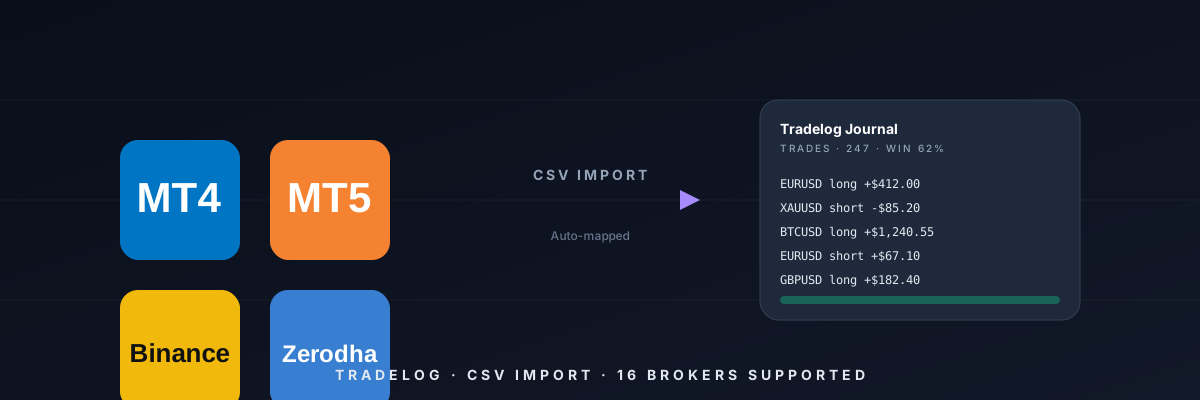
How to import MT4 / MT5 statements into a trading journal (2026 guide)
The exact steps to pull your live account history out of MetaTrader 4 or 5 and get it inside a journal in under two minutes — no manual copy-paste.
MetaTrader still runs the world's forex volume, and yet most journals still ask you to paste rows one by one. Here's the fast path.
Step 1 — Export from MT4 or MT5. Open the Terminal, click the *Account History* tab, right-click → *Save as Detailed Report* (HTML). Save it locally.
Step 2 — In Tradelog, go to Trades → Import. Drop the HTML file straight into the drop zone. Our importer detects the broker (Exness, XM, IC Markets, FXPro, ICMarkets, RoboForex — all supported out of the box), maps every column and shows you a preview.
Step 3 — Confirm and commit. One click. Every ticket becomes a Tradelog trade with entry / exit / SL / TP / commission / swap / pip P&L, plus a running equity curve.
Pro tip: In MT5, click *Options → History* first and set *Period: All history* so nothing gets truncated. Same trick for prop-firm accounts on Match-Trader — they mimic MT5 exports.